Professional show introductions
Bring your podcast identity, description, and relevant links together into an approachable shareable presentation.
A potential guest, business partner, or sponsor may not have time to research your whole podcast. A clear branded presentation can help explain your show and point people to your best work.
Keep your podcast and videocast hosting where it is. Your public content stays on its original provider.Here is what a creator media kit can look like inside PodMation. Each preview follows the current one-page Studio layout, using fictional shows to demonstrate different podcast identities.
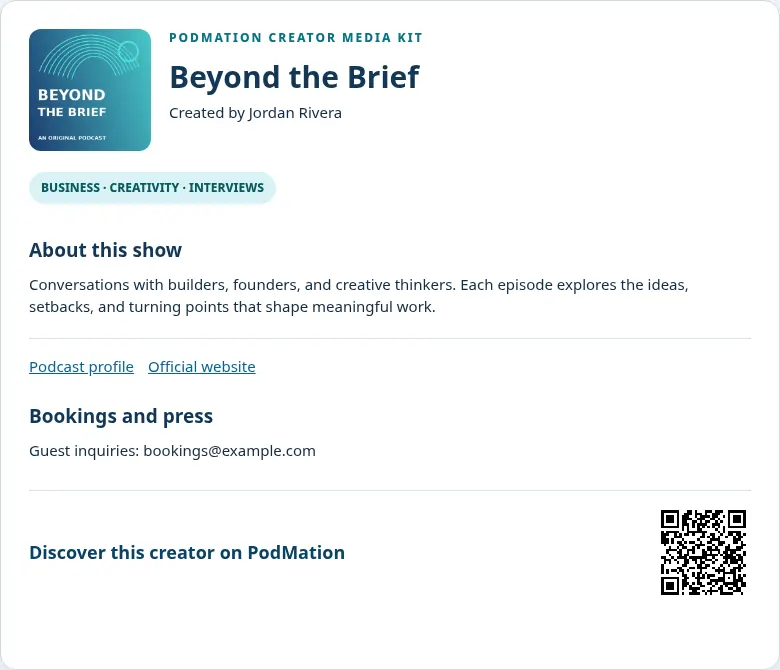
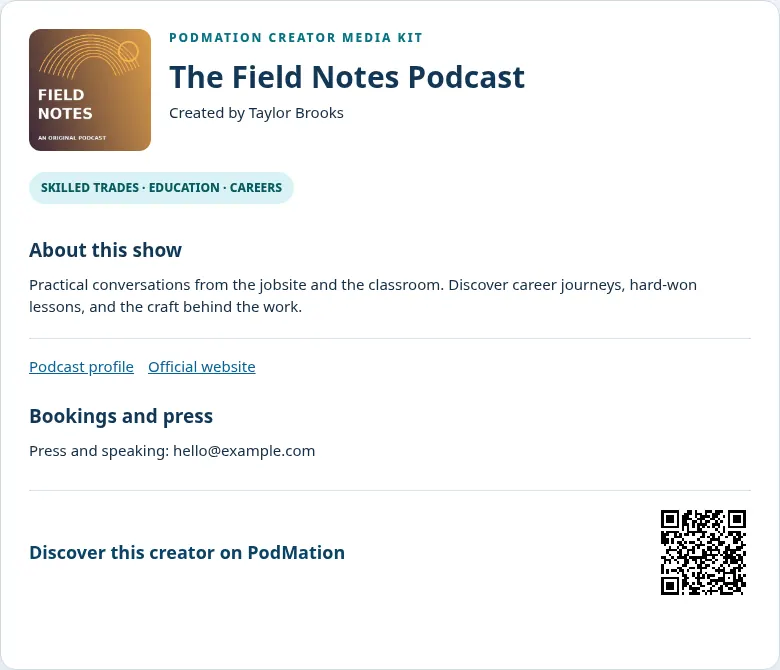
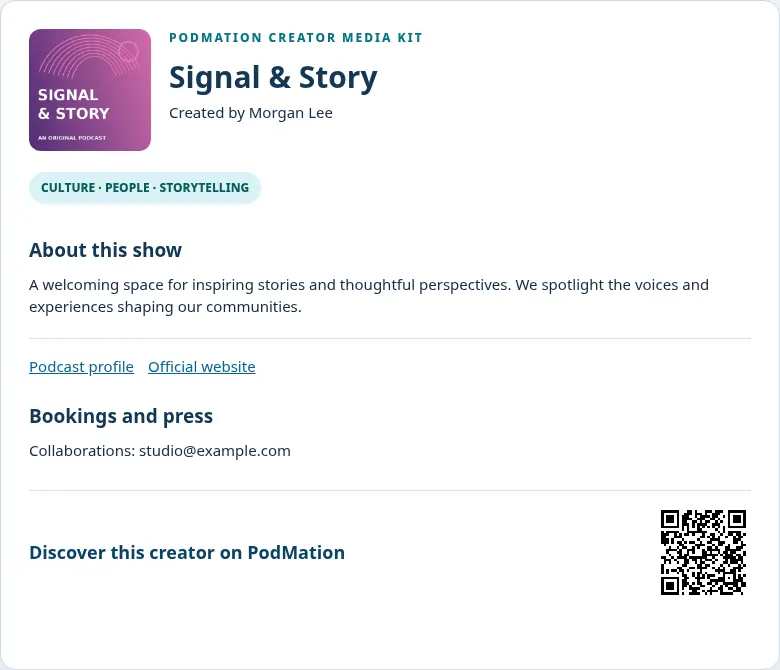
Your actual kit pulls from your PodMation podcast profile. Add optional booking and press contact details, and include a QR code when available. Your show keeps its existing audio or video host.
Open the Creator Studio, review the information from your own podcast, then print it or save a PDF. No external media uploads or AI subscription credits required.
Illustrative examples only. The QR codes in these samples point to this PodMation feature page, not fictional creator accounts. PodMation does not verify the sample booking addresses.Bring your podcast identity, description, and relevant links together into an approachable shareable presentation.
Use the included media-kit tools to produce documents you can print or save as a PDF using your browser’s print workflow.
Include a scannable path to your podcast for conferences, business cards, event signage, and promotional materials.
No. A media kit supports professional outreach; it does not guarantee sponsorship or bookings.
Yes. Printed or saved media kits and exported promotional graphics can support your own outreach.
Explore what we have built for creators, without moving your audio or video hosting.
Join PodMation free ↗