24 creative starting points
Choose from twenty-four distinct promotional designs, from restrained professional layouts to vivid, colorful treatments.
See the actual designs you can customize. PodMation Promotion Studio turns your show and episode details into striking social graphics—choose from 24 templates, add your artwork and message, and export without an AI design subscription.
Keep your podcast and videocast hosting where it is. Your public content stays on its original provider.These are sample exports generated with the same templates creators use inside PodMation. Make them your own with your podcast artwork, headlines, colors, and calls to action.
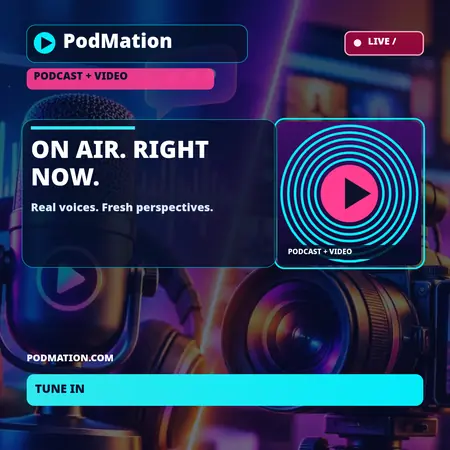
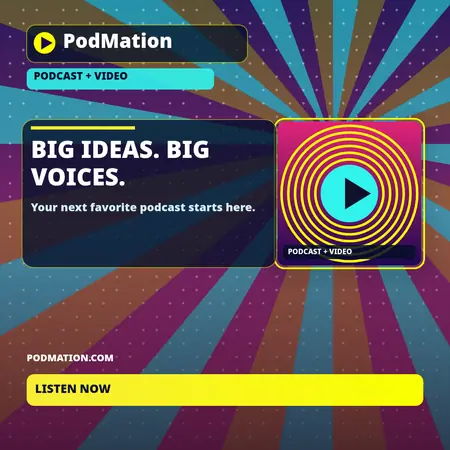
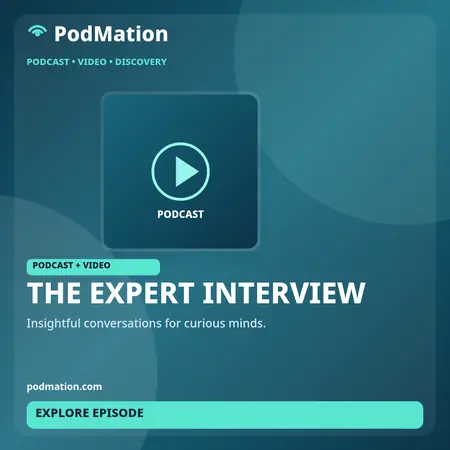
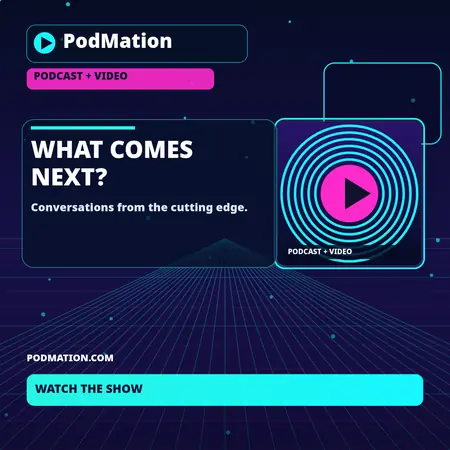
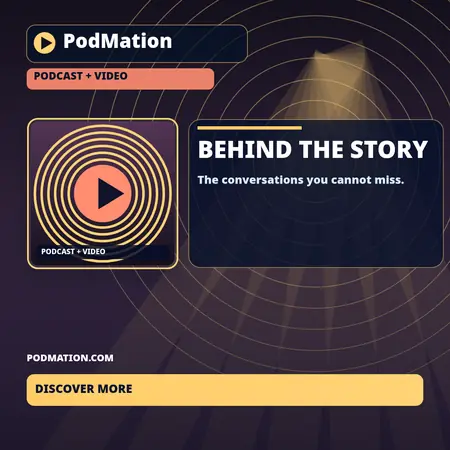
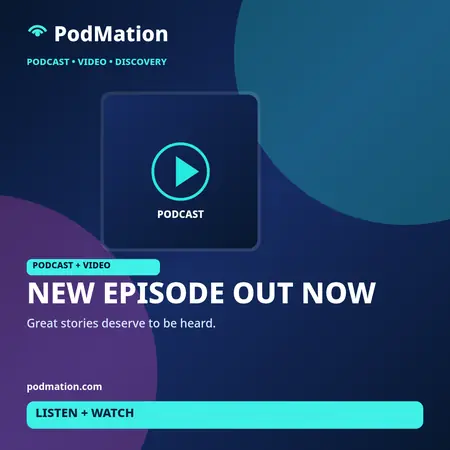
Create artwork for an episode announcement, a wide social preview, or a tall story format—all without re-uploading your podcast or video.
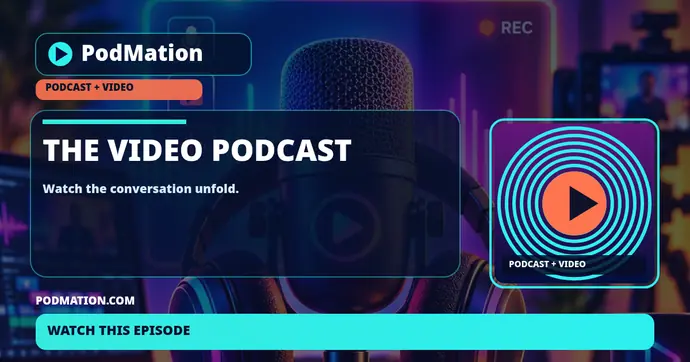
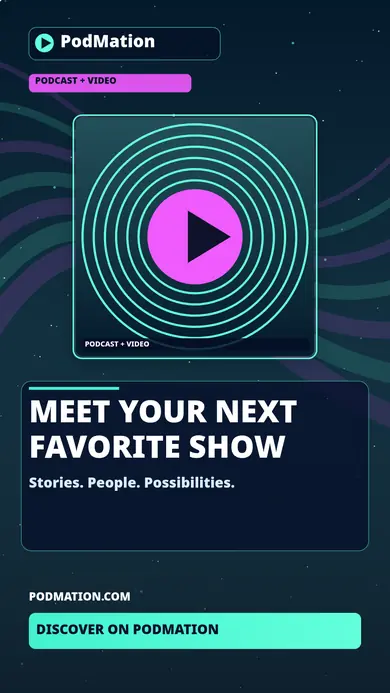
Select your own published show or episode, switch templates, edit copy and colors, add an optional QR code, preview the graphic, and export a WebP file right from your creator dashboard.
Illustrative sample show names and text are for demonstration only. Public sample files are smaller WebP previews; signed-in creators can export their own full-size graphics.Choose from twenty-four distinct promotional designs, from restrained professional layouts to vivid, colorful treatments.
Export square 1080 × 1080, wide 1200 × 630, or vertical 1080 × 1920 images—seventy-two template-and-format combinations before customization.
Customize headlines, artwork, colors, calls to action, and QR codes. Export lightweight WebP graphics for sharing on the platforms your audience uses.
No. Templates provide a ready-made layout you can personalize.
Not in this release. You can export your creative assets and share them through your preferred channels.
Explore what we have built for creators, without moving your audio or video hosting.
Join PodMation free ↗